








Manage your display preferences in the portal


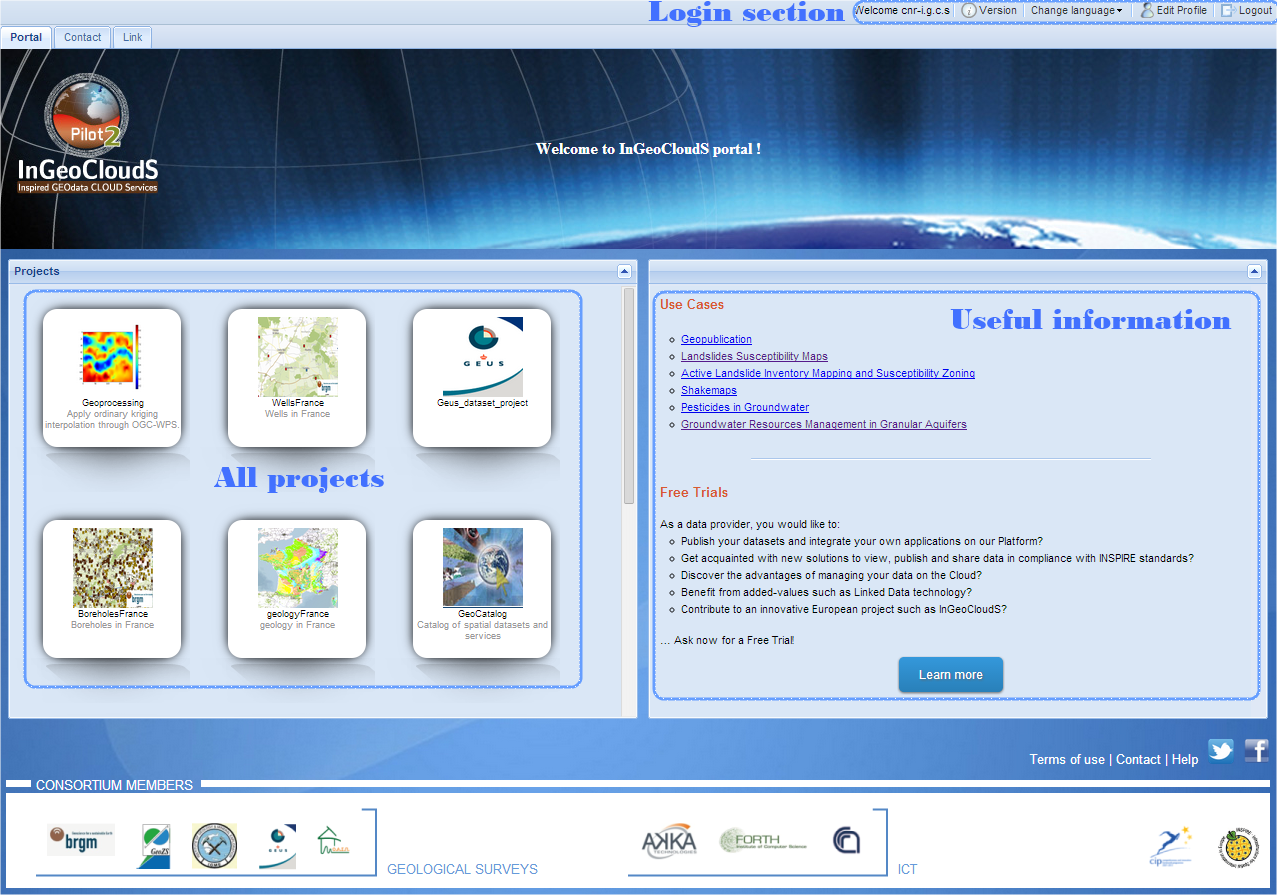
1- Portal
Portal gives access to all projects visible by users. Just click on one of them to access to the chosen project.
2- Desktop
Each Desktop represents users workspaces. From this interface, users have access to various modules from the taskbar.
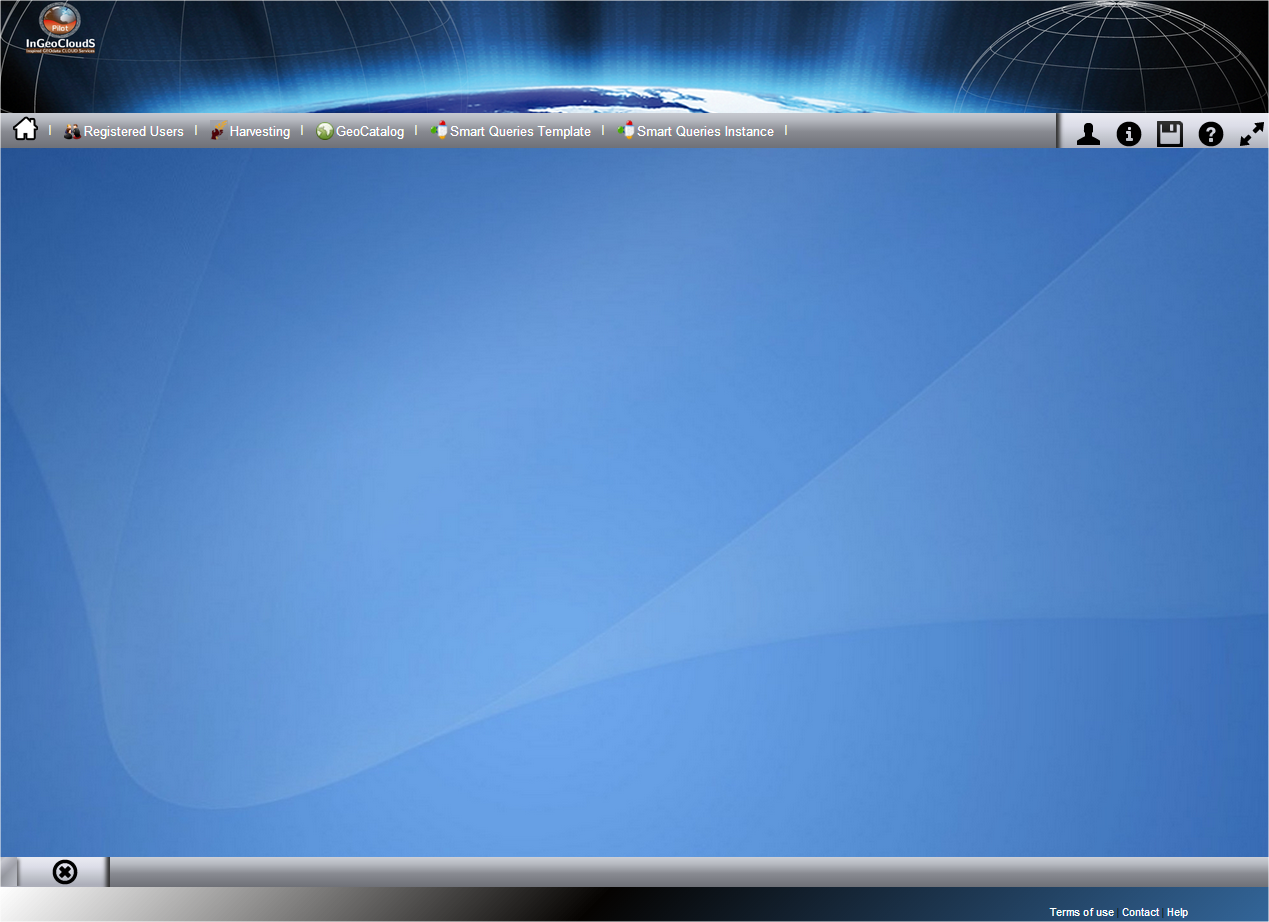
2.1- Desktop shortcuts
 Reload Desktop with windows preferences saved
by the user
Reload Desktop with windows preferences saved
by the user
 Display user personal window
 Display some information about InGeoClouds
 Display window to save desktop and windows
preferences
Display window to save desktop and windows
preferences
 Display InGeoClouds help

 Maximize or minimize Desktop by
masking/showing header and bottom
Maximize or minimize Desktop by
masking/showing header and bottom
 Display Desktop (mask all active windows)
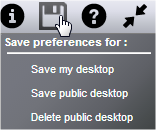
2.2- Save your desktop
You have the possibility to save your desktop (windows position and size) in order to restore automatically windows and desktop preferences next time you'll connect. NB : you have to be logged in to enjoy this functionality.
- Log in to post comments
Last updates
Project's Calendar

Only for consortium members
Contact: you can contact the Consortium using the generic address: contact [@] ingeoclouds.eu. Thanks!
This project is partially funded by the European Commission CIP Program. This website reflects the views of the authors only, and the Commission cannot be held responsible for any use which may be made of the information contained therein.

InGeoCloudS Users Documentation and other documents of this Web
site by the InGeoCloudS consortium members
are licensed under a Creative Commons Attribution-NonCommercial-ShareAlike 3.0 Unported License.
Based on a work at http://www.ingeoclouds.eu/.
Ad banners and pictures are (c) AKKA Technologies